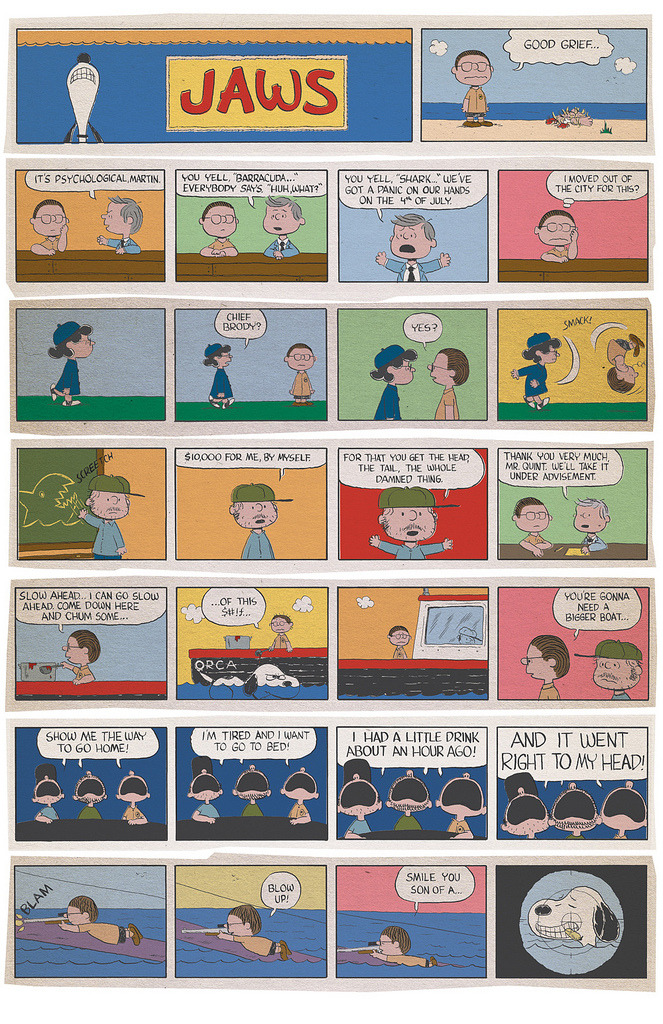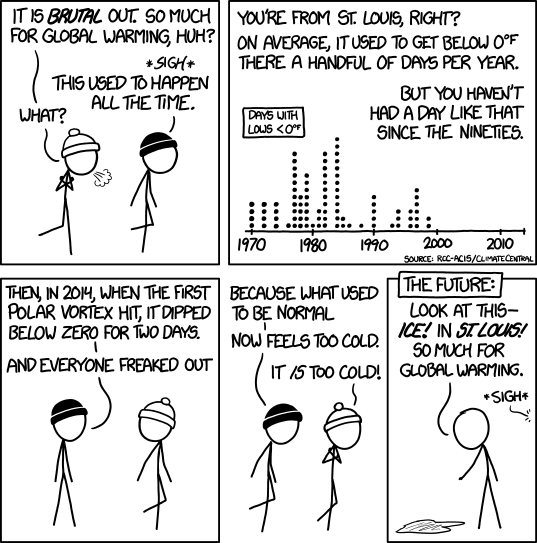
XKCD captures one aspect of global climate change “debate” in a comic

You’ll need to also read Understanding Comics chapter 4 & Maus I chapters 5-6.
The Readers should publish their blog post by Monday evening.
I’m telling you this just in case you swing by here, see this post at the top and then think there must be nothing new. There are new posts beneath this one. One of them is even an XKCD comic!
I’m also telling you because I want to be transparent about how I manage this site, so if you’re wanting to try to do the same sort of thing, you can figure out how.]
I’m now using FeedWordPress to syndicate all of your blog posts. What this means is that when you write a post on your blog, it will automagically get sucked in and reposted here onto this site. That means this page becomes a one-stop shop for y’all to find the posts from your classmates.
A couple of notes, followed by a question. If you are going to comment on one of your classmates’ blogs, when you click on the title link for the post, you’ll be redirected to that students’ post on his or her page, which is where you should leave your comment. I encourage you to read and comment on each others’ posts. (At times, I might require it, even!)
If you are planning to write posts that are unrelated to this class on the domain you’re using for this class, that’s okay, but we’ll want to make arrangements for that. (You’ll need to use a category that designates some posts as needing to syndicate here onto this page, while other posts have different categories and aren’t. Or you can set up a subdomain that is designated for posts for this class.) If this is an issue for you now, or if it becomes an issue for you at any point this semester, just let me know and we’ll work out a solution.
If you look over at the top of the right-hand sidebar, you will see a pull-down menu called “Categories.” All the posts that I write will be categorized as “David’s posts,” so if you choose that line from the pull down list you’ll go to a separate page that lists only posts by me. All the posts pulled in from your sites will be designated with the category “Student posts,” so you can see those separately too.
[FYI, once you start putting up the group blog posts, you’ll categorize them with “readers,” “responders,” or “historians” as appropriate and then those will show up as categories too. Is it okay if I admit that I’m looking forward, at the end of the semester, to pulling up the category page for the historians’ posts and seeing a reverse-chronological narrative describing where we’ve gone as a class all semester?]
So here’s the question: Does this feel too unwieldy for you? If you would prefer it, I can replace the link to this page in the navigation bar up above to links the pages for my posts and your posts separately. To me, that seems unnecessary, but if the blog space feels too crazy and chaotic for you, I can. Scroll down this page, check out your classmates’ posts embedded amongst mine and let me know any feedback you have.
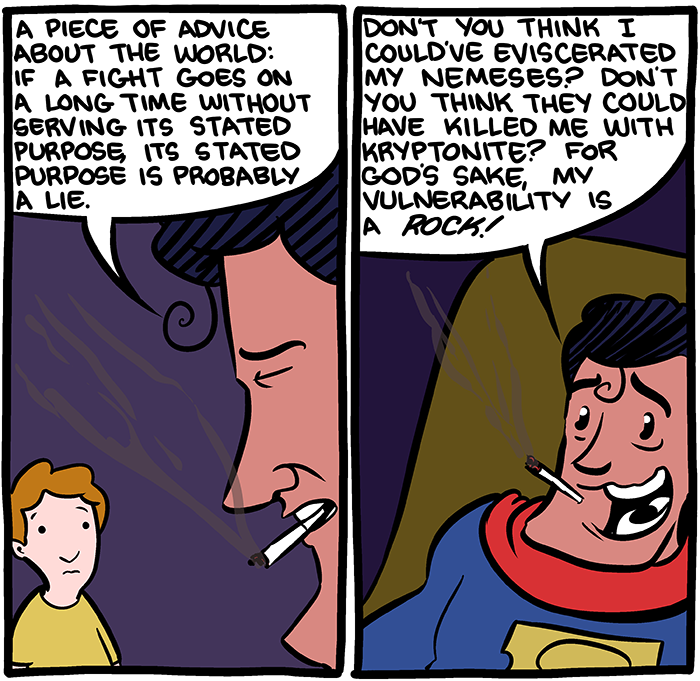
Two panels from the comic strip “The Lie of Superman” by Zach Weinersmith.
Choose a single panel from the first 2 chapters of Maus that you consider to be the most important. Write a post on your own blog where you describe the panel and explain why it’s the most important panel.
I will put together a page with links to all of your sites and link to them from the navigation bar up top soon. In the meantime, here are links to all of the student sites for this course:
I’ve updated the Calendar page. As I announced during the last class session, I moved the Understanding Comics reading around just a little bit, but no major changes. (Whenever I make changes to the calendar, I’ll post an update here to let you know to double-check the schedule.)
I will be adding a resources page soon. In the meantime, here are some links to resources that should be helpful for you:
University of Mary Washington is also running a Domain of One’s Own program. All of their students sign up with accounts through essentially the same service as Reclaim Hosting.